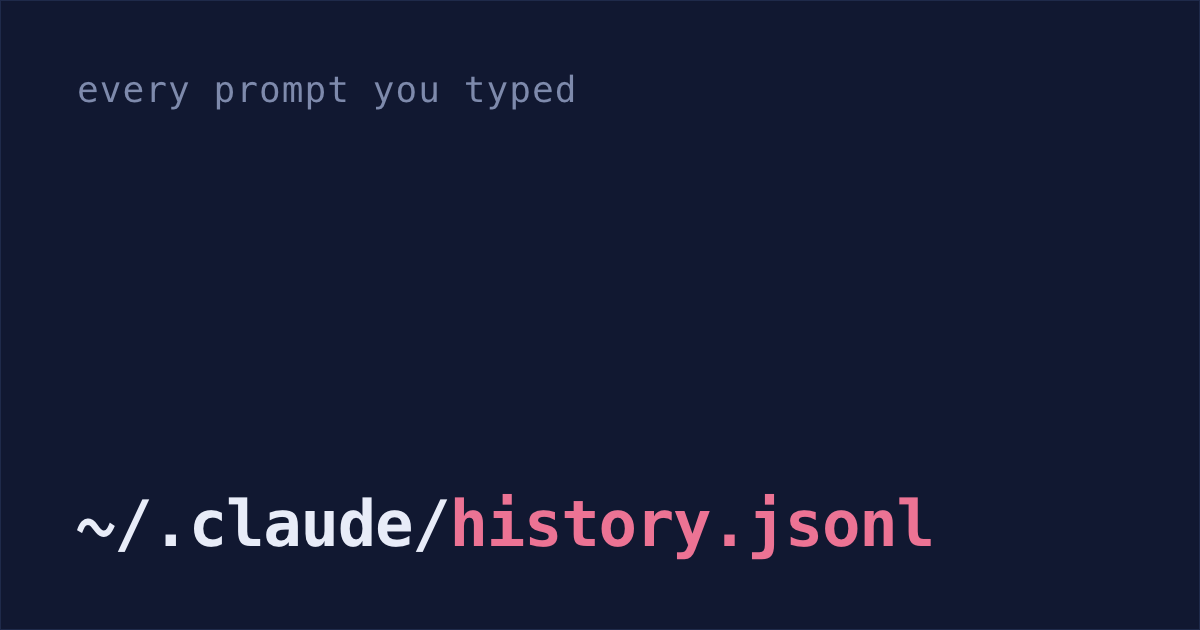
Claude Code has saved every prompt I've typed in the terminal since January in one file on my Mac, ~/.claude/history.jsonl.
That's almost 19,000 prompts, each with the date and the project folder. Claude Code keeps the file until you delete it (Claude Code docs), so at review time it has everything you asked for, in your own words.
But the full conversations, with what Claude actually built, are deleted after 30 days by default. (Since v2.1.248, sessions you last used in Claude Desktop or Cowork are kept at any age, unless your company's settings limit it.) I never changed that setting, so on September 27 almost every conversation I'd last used in the terminal before August 28 was already gone. For everything before that, I have the prompts and my git history.
Prompts show work that never merged
Git shows what changed. Your prompts show what you asked Claude to do, in your own words.
That includes work that never became a commit: an approach you tried and dropped, or a bug you tracked down to someone else's library. Git has no trace of it.
Merged PRs for a Friday update
For a single week you don't need your prompts at all. The PRs of yours that merged already say what shipped.
On Friday, with the GitHub CLI logged in, run this. The example date is Monday, October 5, 2026; change it to your week's Monday:
gh search prs --author=@me --merged-at=">=2026-10-05" --limit 100It lists the PRs you wrote that merged since then. Without
--limitit stops at 30. No CLI? The same search on GitHub works while you're signed in.The PR list misses commits pushed straight to main. To catch those, run this in each repo, on an up-to-date main, with the same Monday:
git log --since="2026-10-05 00:00" --author="$(git config user.name)" --onelinePaste both lists into Claude with this:
Here are my merged PRs and my commits from this week. Some commits are part of those PRs. Write three lines my team can read in ten seconds: what shipped, in plain words, the biggest first. Only use what these lists say.
The lists still miss work that never got committed, like a spike you threw away. For a quarter, that's where the prompts come in.
Pull a quarter's prompts from history.jsonl
Run this in Terminal. Change the two dates to your review period:
python3 - > ~/Desktop/quarter-prompts.txt <<'EOF'
import json, datetime, pathlib
start, end = "2026-07-01", "2026-09-30"
for line in open(pathlib.Path.home() / ".claude/history.jsonl"):
    d = json.loads(line)
    day = datetime.date.fromtimestamp(d.get("timestamp", 0) / 1000).isoformat()
    if start <= day <= end:
        print(day, d.get("project", "?"), d.get("display", "")[:150].replace("\n", " "))
EOF
You get quarter-prompts.txt on your Desktop, one line per prompt: the date, the project folder, and the first 150 characters of what you typed. Long pastes often show up only as a placeholder like [Pasted text #1 +8 lines]. Skim the file and delete anything you'd rather Claude didn't see.
Claude drafts the brag doc from prompts, commits and PRs
Open Claude Code in any folder and paste this. It reads the file, checks your commits in each project and your merged PRs, and leaves gaps instead of making numbers up:
Read ~/Desktop/quarter-prompts.txt. It's every prompt I typed into Claude Code from 2026-07-01 to 2026-09-30, with the date and project folder.

For each project folder in it, run: git -C <folder> log --since=2026-07-01 --until="2026-09-30 23:59" --author="$(git config user.name)" --oneline
Skip folders that aren't git repos. If the GitHub CLI (gh) is installed and logged in, also run: gh search prs --author=@me --merged-at=2026-07-01..2026-09-30 --limit 200

Then write my brag doc in Markdown. Group the prompts, commits and PRs into pieces of work, most significant first. For each one: a bold title, what I built in one or two sentences, and why it mattered, only if the prompts, commits or PRs show it. Include work that didn't merge, like an approach I tried and dropped, and say why I dropped it if the prompts show it.

Rules: never invent numbers, users or outcomes. Where a number would make a point stronger, write [add impact: what number] instead. After each item, list the dates, commits and PRs it came from so I can check it. Plain words, no hype.
If you'd rather not paste a script and a prompt, I made a free plugin that does a quicker, rougher version. Run these two commands to add it to Claude Code, then type /shabash:brag. It covers the last 30 days unless you name a period, like "last quarter":
claude plugin marketplace add shabash-dev/shabash-plugins
claude plugin install shabash@shabash
It takes the first and last prompt of each session and your commits on the branch you have checked out, and Claude drafts from those, leaving gaps for the numbers. It doesn't look up your PRs, and there's no file to skim before Claude sees your prompts, so the steps above still catch your PRs and the work you dropped.
Impact numbers only you have
The draft will have [add impact: ...] gaps. Fill them with real numbers: requests per second, tickets closed, hours saved for a teammate. If you don't have the number, cut the claim.
Then write the lines only you can: which piece of work you're proudest of, and what you'd do differently.
cleanupPeriodDays: keep ten years of conversations
Open ~/.claude/settings.json and add "cleanupPeriodDays": 3650 inside the outer braces. If the file is new or empty, this is the whole file:
Claude Code will then keep full conversations for ten years instead of 30 days (settings reference). Conversations it has already deleted don't come back.
Do this one today, even if review season is months away. Your prompts and merged PRs will still be there, but the full conversations won't.
The 30-day cleanup is why Shabash, the Mac app I'm building, keeps its own copy of the sessions you typed in, from the ones still on your Mac when you install it onward. In the brag docs it drafts, each claim has a small number; hover it to see the session, commit or piece of work behind it.