Shabash

Engineering blog

Guides for engineers who use Claude Code: finding and keeping sessions, running several at once, and keeping keys safe.
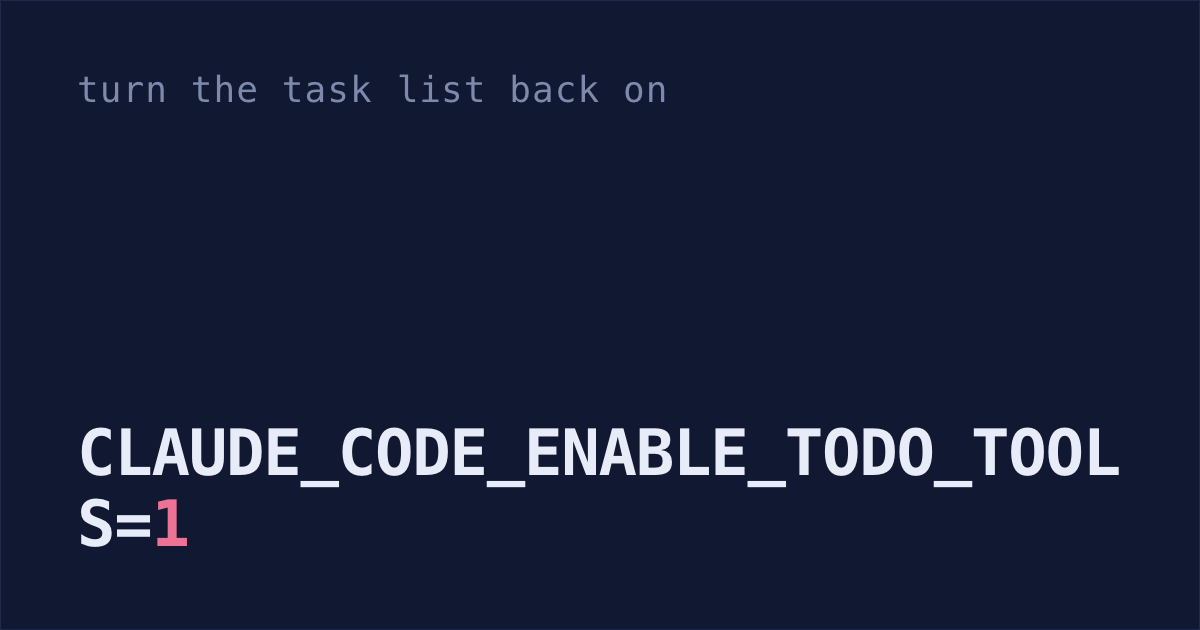
Claude Code guidesWhy did Claude Code's todo list stop showing up?Claude Code provides the task-tracking tools that write the todo list by default only on Opus 4.7, Sonnet 4.6, Haiku 4.5 and earlier models, so on Opus 4.8, Sonnet 5 and newer the list stays empty. Start Claude with CLAUDE_CODE_ENABLE_TODO_TOOLS=1 claude to get them back.

Find, resume and save your sessions

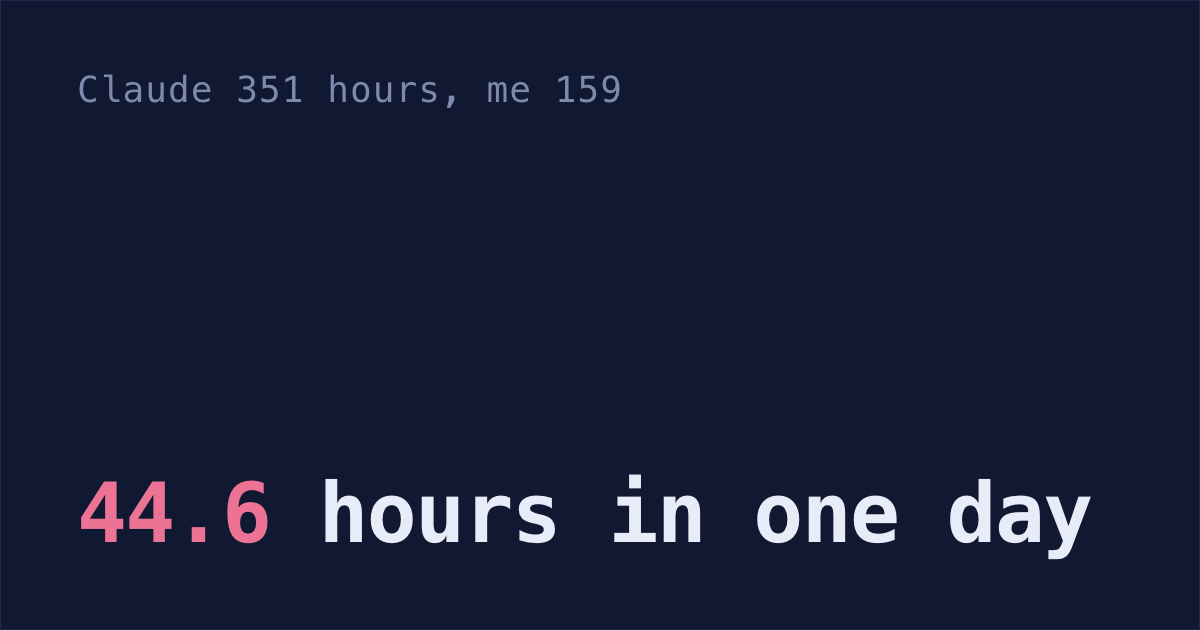
Claude Code guidesHow many hours has Claude Code worked for you?Paste the prompt below into Claude Code. It reads the transcripts in ~/.claude/projects and your prompts in ~/.claude/history.jsonl, and prints your hours next to Claude's, day by day. Mine: Claude 351 hours, me 159, since 3 Sep.
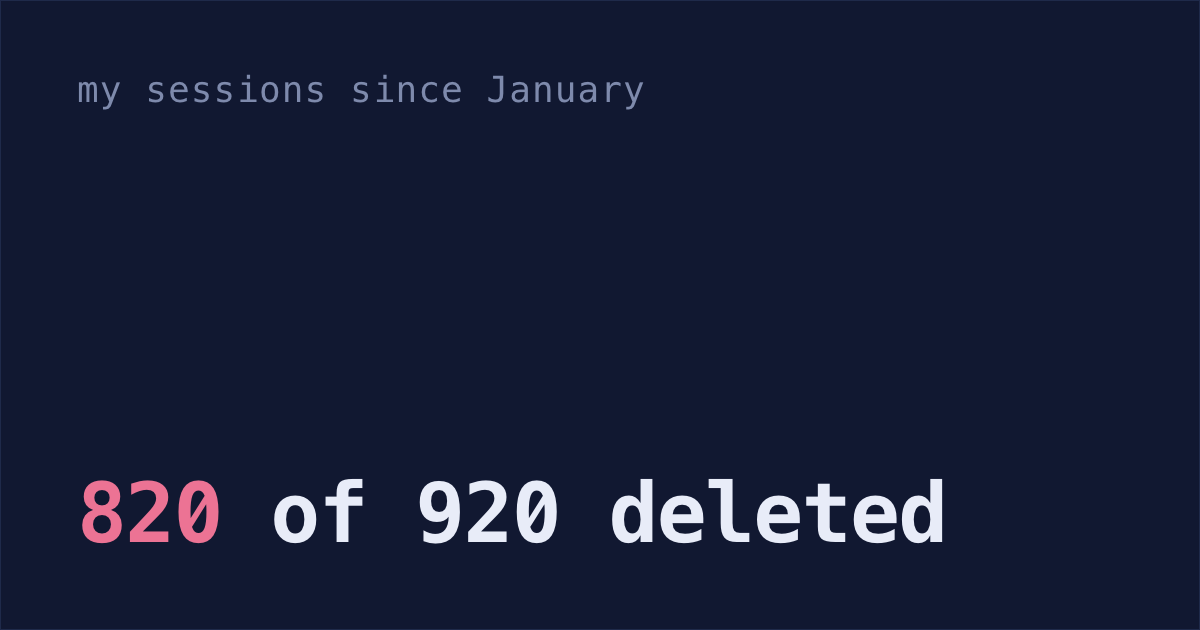
Claude Code guidesDoes Claude Code delete your old sessions?Yes. Outside the Claude desktop app, it deletes a session's transcript once it's more than 30 days old by default, and 820 of my 920 sessions since January had lost theirs by September 27. Add "cleanupPeriodDays": 3650 to ~/.claude/settings.json to keep them for ten years.
Claude Code guidesDoes Claude Code have a session manager?Yes: claude --resume searches past sessions, claude agents lists background ones, and the desktop app has a sidebar. None can show a deleted session, and Claude Code deletes terminal and VS Code transcripts after 30 days, so set cleanupPeriodDays to 3650 first.
Claude Code guidesWhere are Claude Code sessions stored?In ~/.claude/projects/<project>/<session-id>.jsonl, one plain text file per conversation. Claude Code deletes each one after 30 days by default. Add "cleanupPeriodDays": 3650 to ~/.claude/settings.json to keep them ten years.
Claude Code guidesHow do I resume a Claude Code session from any folder?Run claude --resume <session-id> from any folder, or claude --resume and press Ctrl+A to pick from every project. By default, Claude Code deletes terminal sessions older than 30 days, so add "cleanupPeriodDays": 3650 to ~/.claude/settings.json.
Claude Code guidesWhere did my Claude Code chat history go in VS Code?After 14 days without use, the VS Code extension moves a chat to Archived sessions, at the bottom of the Session history list. Once its file is 30 days old, Claude Code deletes it. Add "cleanupPeriodDays": 3650 to ~/.claude/settings.json to keep chats for years.
Claude Code guidesWhy did my Claude Code sessions disappear?Claude Code deletes session transcripts older than 30 days, because cleanupPeriodDays defaults to 30. Add "cleanupPeriodDays": 3650 to ~/.claude/settings.json to keep them for ten years. If they vanished from the desktop app or VS Code, the files are usually still there.
Claude Code guidesHow do I search my Claude Code history?Ctrl+R searches every prompt you've typed in the terminal, and claude --resume lists your sessions by title. To search inside conversations, run ripgrep over ~/.claude/projects. By default Claude Code deletes conversations after 30 days, so raise cleanupPeriodDays first.
Claude Code guidesCan I pick up a Claude Code session on another device?Yes, though nothing syncs: each session stays on the computer that ran it. For your phone, type /remote-control in the session. On another computer, run claude --teleport to pull down a cloud session, or copy the session's .jsonl file over and claude --resume it.
Claude Code guidesHow do I manage multiple Claude Code sessions at once?Run claude agents instead of claude. It lists every background session, what it's doing and the question it's waiting on, and in a git repo each one edits its own worktree. To add a session open in another tab, press ← on an empty prompt in it.
Claude Code guidesHow do I export a Claude Code conversation to Markdown?To export a Claude Code conversation, type /export notes.txt in it and Claude Code saves the whole chat to notes.txt as plain text. For Markdown, the script below converts the saved .jsonl file. Sessions are deleted after 30 days unless you raise cleanupPeriodDays.

Codex, Cursor and Gemini CLI

Claude Code guidesHow do I resume a Codex CLI session or see its history?To resume a Codex session, run codex resume --last, or codex resume --all to pick from every folder. Sessions stay in ~/.codex/sessions/ until you delete them. codex delete leaves what you typed, pasted keys included, in ~/.codex/history.jsonl.
Claude Code guidesWhere is Cursor chat history stored?On your own computer, in SQLite files named state.vscdb under ~/Library/Application Support/Cursor/User/ on a Mac. Cursor staff say they aren't synced to any server. If chats vanished after you renamed or moved a project, try moving it back, though it doesn't always work.
Claude Code guidesHow do I resume a Gemini CLI session?Run gemini --resume in your project folder for the latest session, or gemini --list-sessions, then gemini --resume 3 to open number 3. Starting Gemini CLI in a folder deletes its sessions you haven't touched in 30 days, so turn that off in ~/.gemini/settings.json first.

Keeping Claude Code safe

Claude Code guidesIs --dangerously-skip-permissions safe?Only in a container or VM you can throw away. On your laptop it skips almost every prompt. Use auto mode, the default since Claude Code 2.1.283 on every plan, if your model supports it, and set permissions.disableBypassPermissionsMode to "disable" so the flag stops working.
Claude Code guidesDid the security check run on Claude's last commit?Not if Claude committed after it. /security-review runs inside Claude Code and leaves nothing on GitHub. Run Anthropic's security review Action on every push, fail it on findings, and make it a required check, so the PR can't merge until it passes on the latest commit.
Claude Code guidesAre community Claude Code skills safe to install?Not by default. A skill is a stranger's instructions that Claude follows with your files and keys, and a bad line can hide where GitHub won't show it. Write your own instead, or lock your keys away with the prompt below.

Tracking and writing up your work

Claude Code guidesHow do I shut down a side project with Claude Code?Archiving a GitHub repo leaves its hosting, database, domain renewal and API keys in place. The free /wind-down-project skill below has Claude list each one the repo uses, export your data, then shut them down in order, asking before each step that can't be undone.
Claude Code guidesHow do I write a brag doc from my Claude Code history?Claude Code saves every prompt you type in the terminal to ~/.claude/history.jsonl, with the date and project, until you delete it. Pull a quarter's prompts with the script below, have Claude match them to your commits and merged PRs, then fill in the impact numbers yourself.
Claude Code guidesHow do I track my Claude Code work across projects?Save a /left-open skill: Claude reads yesterday's transcripts in ~/.claude/projects and lists each unfinished session with its ID and what's still open. Keep transcripts past 30 days with cleanupPeriodDays, and count hours per project from ~/.claude/history.jsonl.
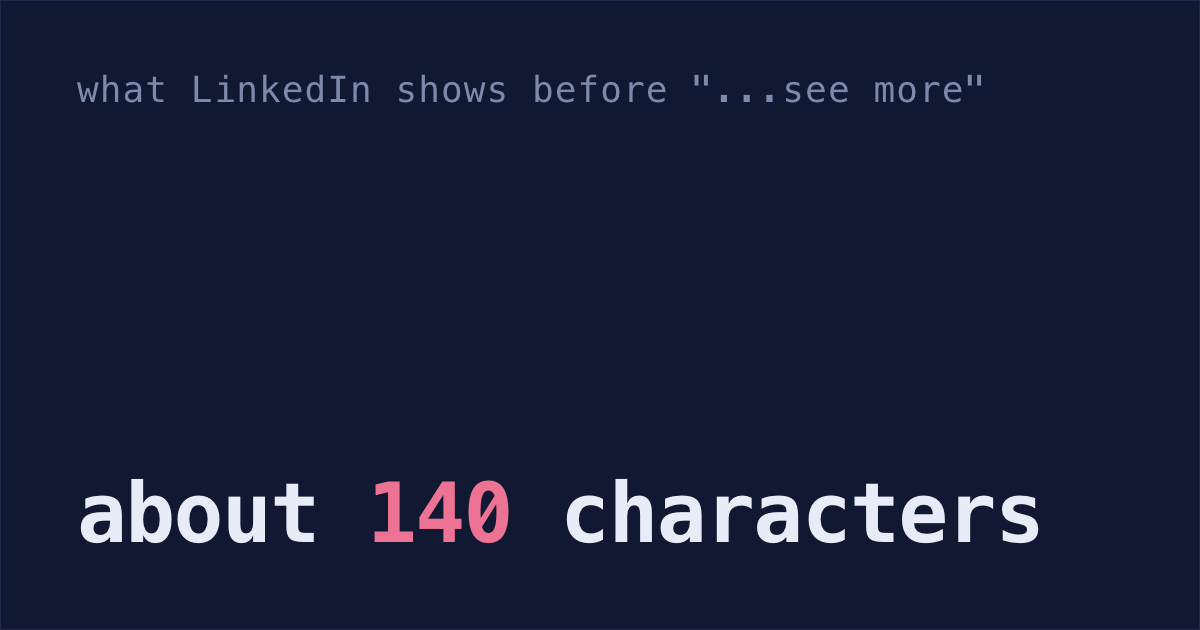
Claude Code guidesWhat's a good software release announcement template?Say what shipped in the first line, in plain words, because on a phone LinkedIn shows only about 140 characters before "...see more". In Slack, add what your team has to do, thank who helped by name, and link the PR. Claude Code can draft both from your pull requests.
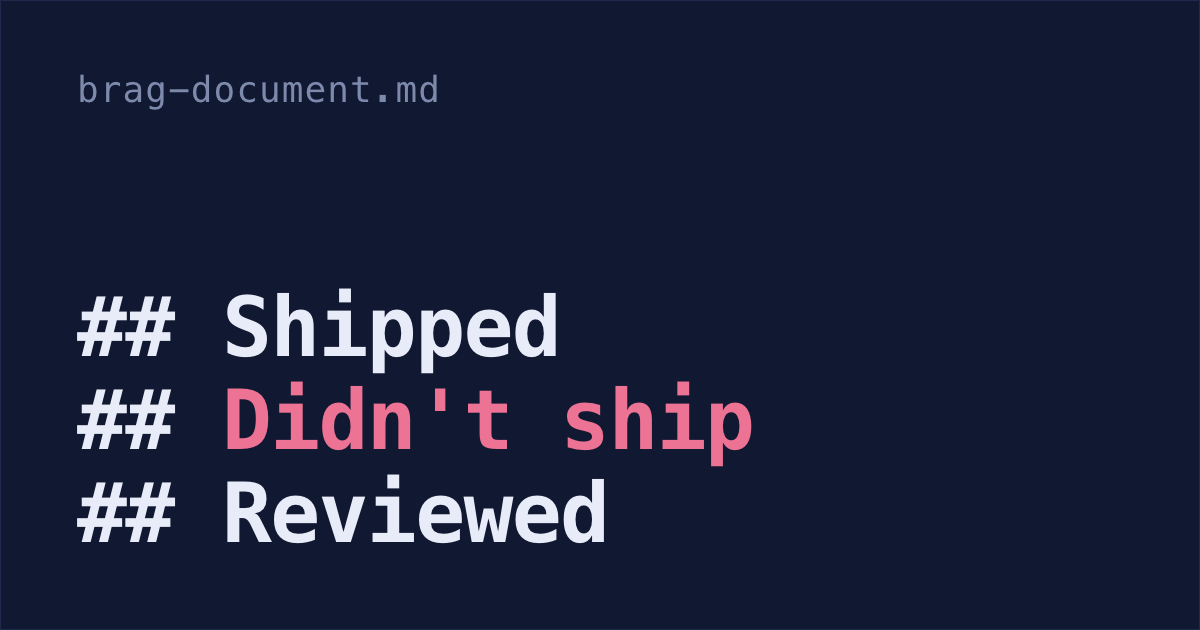
Claude Code guidesWhat's a good brag document template for engineers?One that puts the problem next to everything you shipped, and keeps room for decisions, dead ends and help you gave. Copy the Markdown below. If you use Claude Code, one prompt drafts what you shipped, what didn't ship and PRs you reviewed from its history, git log and GitHub.

Open source your life

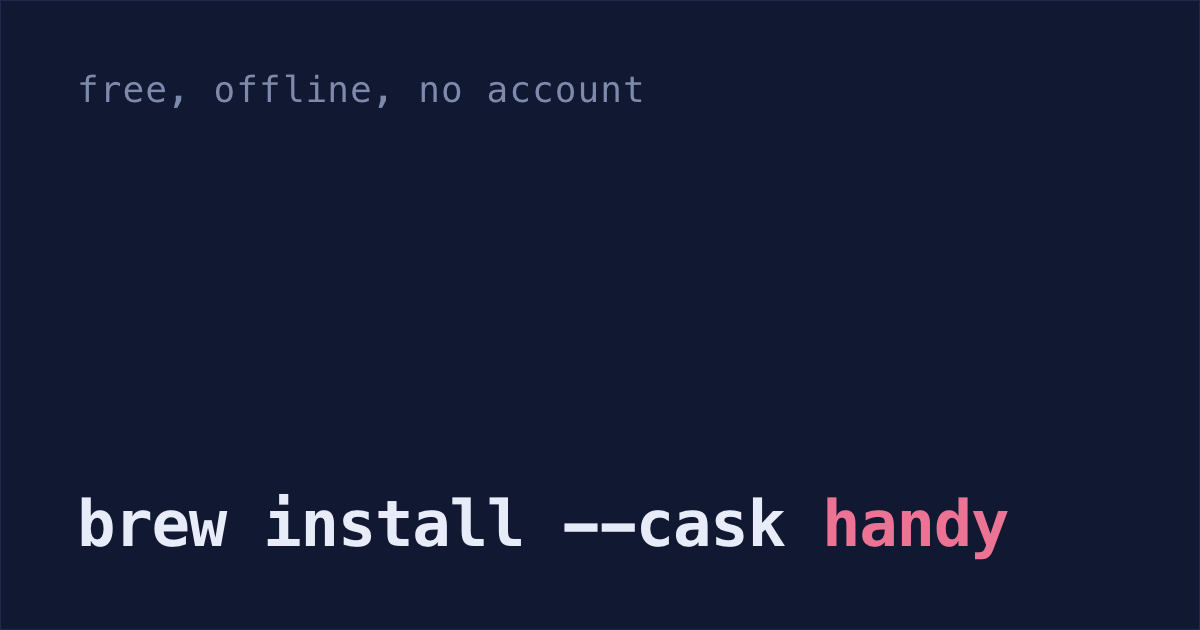
Open source your lifeIs there a free offline Wispr Flow alternative for Mac?Yes. Handy is a free, open-source dictation app. Run brew install --cask handy, pick the Parakeet Unified EN model, and your speech becomes text on your Mac with no account, offline once the model downloads. A small model in Ollama can clean up the text, also offline.