Your announcement lands in a feed: in Slack between bot alerts and PR links, on LinkedIn between posts from strangers who have never heard of your product. So the first line has to say what shipped.
Below is a template for each, filled in for a made-up feature, and two commands that draft both from your pull requests.
Slack template for your team's channel
Three to six lines is plenty. Your team mostly wants to know whether they have to do anything.
[What shipped, in plain words] is live. [Who it's for, or where to find it.]

[What it fixes or lets people do, with a number if you have one.]
[What changes for the reader: a new flag, a migration to run, something to try.]

Thanks to @[name] for [what they did] and @[name] for [what they did].
[Link to the PR, doc or demo]
Filled in, for a made-up feature: Apple Pay in an online plant shop.
Apple Pay is live in web and iOS checkout, for everyone as of this morning.

Customers can now pay with Face ID or Touch ID instead of typing in a card.
Orders have a new payment_method column, so run rails db:migrate after you pull.

Thanks to @dana for reviewing the migration and @lee for testing on iPhone.
[link to PR]
The line people skip writing is what your team has to do now, like the migration line above. It's the part they act on.
LinkedIn post template and the 140-character first line
Strangers don't know your product, your ticket names or your team. They'll read on for a story: what was missing or broken, what you built, and one choice you made along the way.
[What shipped, plus one concrete detail: where, for whom, or how much. Under 140 characters.]

[Your reaction, or why it was harder or mattered more than it sounds.]

[The problem, for someone outside your team, in one or two sentences.]

[What you built.]

[One decision you made, and why.]

[Thanks, by name, to who helped.]

[Where to try it, or what's next.]
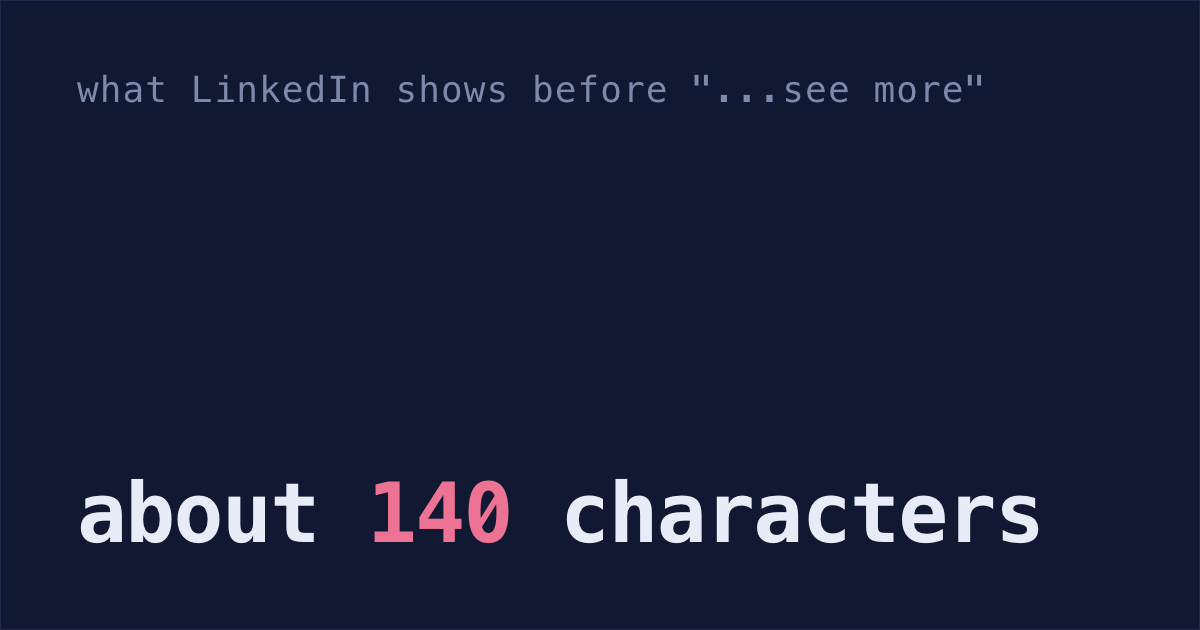
On a phone, LinkedIn shows about 140 characters before "...see more". That's one sentence! Write it the way you'd tell a friend, in words someone outside your team understands.
The same plant shop, for LinkedIn:
You can now pay with Apple Pay in our plant shop, on the web and on iPhone!

Customers have asked for it since we launched, so this one feels good.

Before, paying on a phone meant typing a card number into a tiny form.

Now it's one tap and Face ID or Touch ID.

We almost turned it on for everyone on day one. Instead our own team used it for a week first, and that week caught a bug: on our website, Apple Pay failed if the checkout page had been open more than five minutes.

Thanks to Dana for fixing it.

Try it next time you order a plant. The demo is in the video.
Put a short screen recording of the new checkout, or a screenshot, on the post itself.
"Excited to announce" and other lines to cut
- "Excited to announce." Say what shipped.
- "Improved performance." Say by how much, and where, like "search results load in 0.4 seconds instead of 3" (made up; use your real numbers).
- The team, the stack or the sprint in the first line. Start with what changed for someone.
- Ticket names and code names on LinkedIn. Nobody outside your company knows what PAY-1182 or "Project Falcon" is.
- A thanks with no names. Say who helped and what they did.
Draft both from your PRs
Your pull requests already have the facts: what changed, why, who committed and who reviewed. If you use the GitHub CLI and Claude Code, pipe them into claude -p, which answers once and prints the result.
For Slack, run this in your repo. List your PR numbers after
in, as many as the feature took.$(git config user.name)puts your name in the prompt, so Claude doesn't thank you for your own commits:for n in 479 482; do gh pr view $n --json title,body,state,mergedAt,commits,reviews,url; done | claude -p "Draft a Slack message for my team about this work. 3 to 6 lines, each one short sentence under 20 words, plain words, no Markdown. Line 1 says what shipped. Then what teammates need to do or know, like a migration or a new setting; if the PRs do not say, write [add: what changes for the team]. Then one line thanking the people who reviewed or committed, by name, for what they did. I'm $(git config user.name), so don't thank me. Say each fact once. Use only facts in the PRs: no numbers, plans or promises they do not state. End with the PR links. Print only the message."For LinkedIn, same PRs, a prompt that writes as you:
for n in 479 482; do gh pr view $n --json title,body,state,mergedAt,commits,reviews,url; done | claude -p "Draft a LinkedIn post about this work for people outside my company. I'm $(git config user.name): write it as me, in the first person. Plain text, short paragraphs, under 1,300 characters. Line 1 says what shipped in under 140 characters. Line 2 is [your words: your reaction, or why this mattered]. Then the problem in plain words, what was built, one decision from the PRs, thanks to teammates by name, and where to try it, without labeling any of these parts. No internal terms: say what a thing does instead. Say each fact once. Use only facts in the PRs: no numbers, plans, feelings or opinions they do not state. No hashtags. Print only the post."- Fill in the gaps in brackets. Why it mattered, and any numbers, are the parts only you know.
- Swap the names for Slack @mentions. Reviewers only have GitHub usernames in the PR, so Claude may turn
lee-pinto a guessed "Lee".
Here's a test run on two made-up PRs for the plant shop, one adding Apple Pay and one adding a database migration. They went in as JSON shaped like gh pr view output, with fewer fields.
A made-up Sam Reyes wrote most of the commits, so the prompts said "I'm Sam Reyes" where yours would put your name. That's why Sam isn't thanked below. The Slack prompt wrote:
The migration line is there because the PR description said to run it. These PRs had full descriptions. If yours say "Add Apple Pay button" and little else, Claude has little to go on, so write the description first.
On the same PRs, the LinkedIn prompt wrote:
Trim the paragraph about the bug, which has more detail than a stranger needs. Then check the two things the PRs didn't have: the shop's name (it wrote "our checkout") and Lee's real name.
Keep the "use only facts" line. In an earlier test, a looser prompt without it, which also asked Claude to mark where a number would help, added a plan nobody had made: "we'll track Apple Pay's share of completed checkouts".
Shabash, the Mac app I'm building, groups your Claude Code sessions into tasks. Once a task is done, it can draft the Slack message or LinkedIn post from its sessions and commits. If you write a line about why it mattered, the draft is built around it.