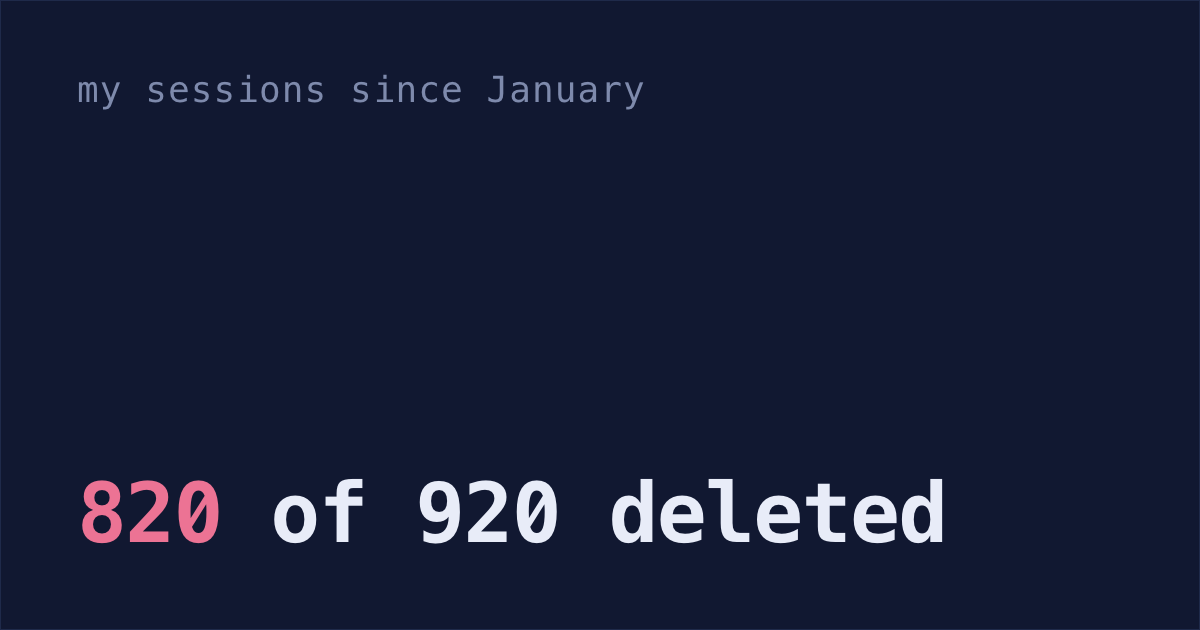
I counted my Claude Code sessions since January: 920 of them, almost 800 hours of hands-on work. Then I looked for the conversations behind them, and 820 were gone. That's wild!
For those 820, Claude Code kept only the prompts I typed. Claude's replies, the files it read, the commands it ran and the dead ends are gone, so claude --resume can't open them unless you kept a copy of the transcript somewhere else.
Claude Code's 30-day cleanup
Claude Code deletes a session's transcript once it's older than cleanupPeriodDays, and the default is 30. Sessions started or last continued in Claude Desktop or Cowork are the exception: since v2.1.248 they're kept at any age. The transcript is the file ~/.claude/projects/<project>/<session>.jsonl, with every message, tool call and result in it. The cleanup runs in the background after a session starts (Claude Code docs, cleanup timing).
So each time I started a session, Claude Code deleted every transcript older than 30 days. On September 27, only 100 of my 920 sessions still had a transcript, and 98 of those were from the last month.
The 30-day cleanup never touches ~/.claude/history.jsonl. That file keeps every prompt you've typed in the terminal, with the time, the project folder and the session. That's why I could still count all 920 sessions and time them, but it only has my side of each conversation.
Plans, checkpoints and subagent transcripts go too
Under ~/.claude, these go once they're older than cleanupPeriodDays (full list):
projects/<project>/<session>/subagents/: what each subagent did, removed with its sessionfile-history/: the copies of files from before Claude edited them, which rewinding to a checkpoint usesplans/: the plans Claude wrote in plan modepaste-cache/: the text of your long pastestasks/: the task lists Claude kept during a session
Your auto memory files in projects/<project>/memory/ stay, and so does history.jsonl.
Count the transcripts you've already lost
Prompts in history.jsonl carry their session's ID, and each transcript is named after that ID. So the sessions in history.jsonl with no matching file are the ones the cleanup took. Paste this into Terminal:
comm -23 <(jq -r '.sessionId // empty' ~/.claude/history.jsonl | sort -u) <(find ~/.claude/projects -maxdepth 2 -name '*.jsonl' -exec basename {} .jsonl \; | sort -u) | wc -lIt prints one number and changes nothing. It needs jq, the same as the fix below. It also counts transcripts you deleted yourself.
Keep transcripts for ten years with cleanupPeriodDays
The fix is one line of settings. Do it before your next session, because that's when the next cleanup runs.
Paste this into Terminal. It adds
"cleanupPeriodDays": 3650to~/.claude/settings.json, keeps any settings already there, and creates the file if it's missing:f=~/.claude/settings.json; [ -f "$f" ] || echo '{}' > "$f"; jq '.cleanupPeriodDays = 3650' "$f" > "$f.tmp" && mv "$f.tmp" "$f"It uses
jq, which recent versions of macOS include at/usr/bin/jq. Ifjq --versionsays command not found, runbrew install jq, or edit the file by hand. The line goes inside the outer braces:Start Claude Code and run
/status:/statusIf Claude Code can't read your settings file or finds an error in it, a warning shows here. The cleanup pauses until you fix it (docs).
3650 days is ten years. You can't set 0 to mean "never": the minimum is 1, and 0 fails validation (docs).
What cleanupPeriodDays doesn't cover
The setting only stops future deletes. It can't bring back anything the cleanup already took, which for me was 820 sessions. Other limits:
- If your company sets
cleanupPeriodDaysin managed settings, their number wins over yours, and the cleanup runs at their number even when your settings file has an error. - If your company runs Claude Code under its HIPAA setup, the cleanup trims old prompts from
history.jsonltoo. - Transcripts are plain text, and anything a tool touched is in them: file contents, command output, whatever you pasted. A key that passed through a session stays on disk for as long as you keep the transcript (plaintext storage).
- They take space. My biggest transcript is about 150 MB.
- It isn't a backup. The files stay in
~/.claude, andclaude purge(claude project purgebefore v2.1.288) still deletes a project's transcripts, along with its memory and its prompts inhistory.jsonl(clear local data). For the ones you'd miss, export a Claude Code conversation to a file of your own first.
Shabash keeps a copy of your transcripts
Shabash, the Mac app I'm building, keeps its own copy of the sessions you typed in, so the cleanup can't take them, and reopening one from Shabash brings it back.
It only started keeping copies on September 25, two days before I counted, so it copied 11 of my 820 before the cleanup deleted them. The other 809 are gone for good.
785 hours in 920 sessions
I counted from history.jsonl, since it's the only file that still has every session's prompts. It covers January 10 to September 25, in more than 20 project folders. I counted a session if I typed at least one real prompt in it, so I left out 36 where I only ran a command like /clear.
Hours are hands-on time. After each prompt, I counted the minutes until my next prompt in any session, so five sessions open at once don't count five times. If my next prompt came more than 15 minutes later, I counted that as a break. I can't tell how long I really spent on the prompt before a break, so it gets a flat 4 minutes.
| Sessions | 920 |
| Hands-on hours | 785 |
| Median session | 18 minutes, 7 prompts |
| Sessions over two hours | 102 |
| Longest session | about 14½ hours |
| Most sessions I typed into within 15 minutes | 11 |
| Sessions with a transcript left on September 27 | 100 |
785 hours is almost 20 full work weeks! You can count your hours the same way: drop your history.jsonl into this free page. It reads the file in your browser and uploads nothing.
The page counts up to the moment you load it, and it includes the sessions where you only typed a command. When I loaded it late on September 27, it showed 801 hours in 980 sessions: the same method, plus September 26 and 27.