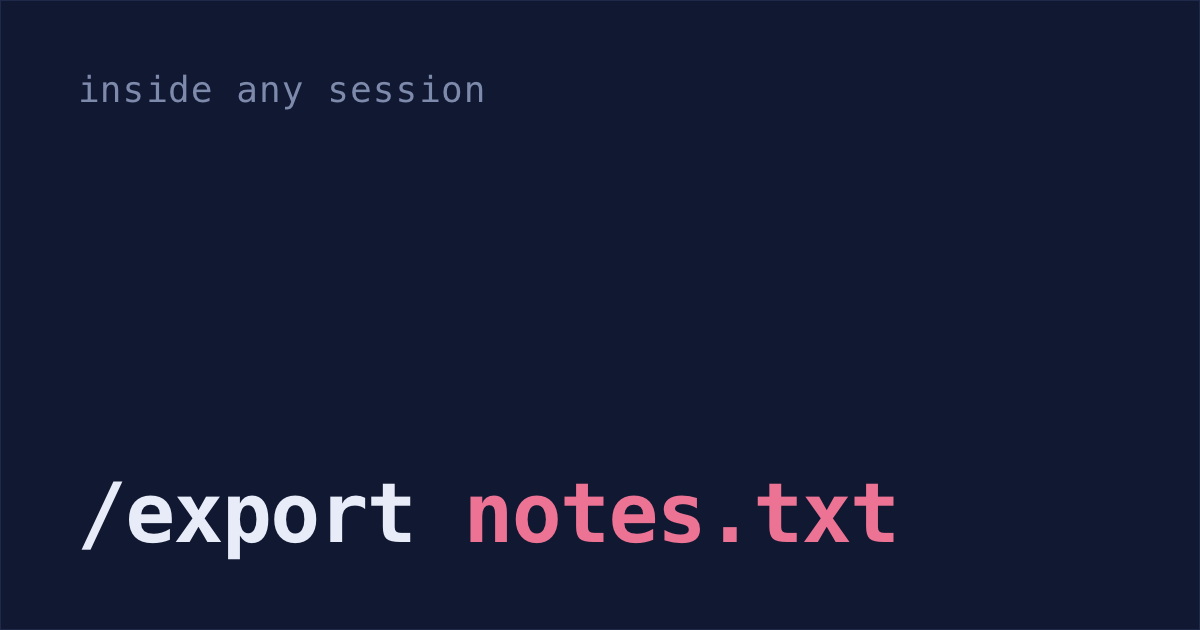
Exporting the conversation you're in takes one command. Last month's conversation is harder: Claude Code deletes saved sessions after 30 days by default, so it's probably gone already, and no command brings it back.
/export for the session you're in
/export auth-refactor-notes.txtThat writes your messages, Claude's replies and the tool output as plain text a person can read (Anthropic's docs). Leave off the filename and you get a menu instead: copy to the clipboard, or save to a file.
It's good for pasting into a pull request, a ticket or a doc. If you only want Claude's last reply, /copy puts it on your clipboard, and /copy 2 takes the one before it. When the reply has code blocks, /copy first asks whether you want one block or the whole reply.
To export an older session:
Open the list of your sessions in this folder and pick the one you want:
claude --resumeIf it was in another project, press Ctrl+A to list sessions from every project on this computer. Picking one from an unrelated project doesn't open it: Claude Code copies a
cdand resume command to your clipboard instead (session picker docs). Paste and run that.Inside that session, export it:
/export old-session.txt
Session files in ~/.claude/projects
By default, every session you run in the terminal is already saved as a file: ~/.claude/projects/<project>/<session-id>.jsonl, one JSON object per line. <project> is your working folder's path with everything that isn't a letter or number turned into -. Sessions from /Users/you/code/my-app live in ~/.claude/projects/-Users-you-code-my-app/. If that name would run past 200 characters, it's cut to 200 and a hash of the full path goes on the end.
If you set CLAUDE_CONFIG_DIR, the files live under that folder instead of ~/.claude. If you set CLAUDE_CODE_SKIP_PROMPT_HISTORY, or run claude -p with --no-session-persistence, the session isn't saved (where transcripts are stored).
VS Code extension sessions are in the same history: claude --resume in a terminal opens them too. The full set of paths, including what CLAUDE_CONFIG_DIR changes, is in where Claude Code sessions are stored.
To list the ones from the last two days:
find ~/.claude/projects -maxdepth 2 -name '*.jsonl' -mtime -2-maxdepth 2 leaves out subagent transcripts, which sit two folders deeper, under <session-id>/subagents/.
Markdown from a .jsonl file: to_md.py
This script turns one session file into Markdown. Your prompts become ## You sections, each block of Claude's text becomes a ## Claude section, and each tool call becomes one line, even a command that runs over several lines.
Save this as
to_md.py:Run it on one session:
python3 to_md.py ~/.claude/projects/-Users-you-code-my-app/<session-id>.jsonl > session.md
To convert every session in a project instead, one Markdown file each:
mkdir -p md
for f in ~/.claude/projects/-Users-you-code-my-app/*.jsonl; do
  python3 to_md.py "$f" > "md/$(basename "$f" .jsonl).md"
done
For every project at once, swap the folder name for a *:
mkdir -p md
for f in ~/.claude/projects/*/*.jsonl; do
  python3 to_md.py "$f" > "md/$(basename "$f" .jsonl).md"
done
Session IDs are unique, so nothing overwrites anything, and subagent transcripts are left out because they sit two folders deeper.
Check the Markdown has a ## You section for every prompt you typed in that session. That's how you know it read the file.
Anthropic's docs say the entry format "is internal to Claude Code and changes between versions, so scripts that parse these files directly can break on any release" (where transcripts are stored). The script skips any line it doesn't recognize, so a format change makes it print less rather than crash. If a session where you typed prompts comes out empty, the format has probably changed. A session with no typed prompts and no text from Claude, like one made only of background task reports, comes out empty too.
claude-conversation-extractor, if you'd rather not run a script
Search for a Claude Code exporter and the first result is usually claude-conversation-extractor. It reads the same files in ~/.claude/projects and writes Markdown, JSON or HTML:
pipx install claude-conversation-extractor
claude-start
pipx installs a Python command-line tool, each one in its own place so it can't break your other Python packages.
claude-start opens a picker; claude-extract is the same thing for a script. Its README says the tool runs entirely on your machine, works offline, sends your conversations nowhere and never changes your Claude Code files. Add --detailed and the export includes the tool calls and their parameters, which the script above shortens to one line each.
It reads the transcripts, so the same two limits apply: a session Claude Code already deleted isn't there to export, and anything that parses this file format can break after a Claude Code update.
Summarize an old session with claude -p
Sometimes you don't want the whole chat, just what happened in it. You can ask the old session directly:
claude -p --resume <session-id> --fork-session --output-format json "summarize what we changed and why" | jq -r '.result'-p runs Claude once and prints the answer instead of opening a chat. --resume loads the old conversation, so Claude answers with all of it in mind. --output-format json puts the answer in a result field, next to the session ID, token usage and cost (headless docs).
Keep --fork-session in. Without it, your question and Claude's answer get added to the end of the original session.
This counts toward your plan's usage or your API bill, because Claude reads the whole old session again.
Instead of a session ID, you can pass the absolute path to the .jsonl file.
This is one of the ways Anthropic's docs point you to for scripts, instead of parsing the files yourself.
cleanupPeriodDays: stop the 30-day deletion
None of the above helps once a session is deleted. On a computer your company doesn't manage, one line in ~/.claude/settings.json fixes that going forward. Add this key next to whatever is already there, or create the file with it inside { }:
That's about ten years instead of 30 days. You can't turn the cleanup off completely: the minimum is 1, and 0 fails with a validation error (docs).
Or let Claude Code make the edit, if it's already open. The cleanup runs with a session, so on a Claude Code you have to start first, the sessions sitting at 30 days can go before your new number is saved. Paste this in:
In ~/.claude/settings.json, set "cleanupPeriodDays" to 3650. Keep every other setting exactly as it is, and show me the file before and after.What raising cleanupPeriodDays doesn't fix:
- Sessions already deleted stay deleted, unless a backup has them. Why Claude Code sessions disappear covers getting one back from Time Machine.
- On a work laptop where your company sets
cleanupPeriodDaysin managed settings, their number wins over yours, so this line changes nothing. A hook that copies each session out can still keep them, if your company allows hooks. - It covers the sessions saved in
~/.claude/projects, from the terminal and the VS Code extension. Sessions on claude.ai/code run in the cloud, and the cleanup docs don't say how long they're kept. - Sessions from the Claude desktop app and Cowork are kept at any age, unless you set
desktopSessionCleanupPeriodDaysor your company's managed settings setcleanupPeriodDays. That needs Claude Code 2.1.248 or later; older versions delete them aftercleanupPeriodDaystoo (docs). - The files grow over time.
du -sh ~/.claude/projectsshows how much space they take. claude purgeignores the setting and deletes a project's transcripts and its other local state straight away, under that name since v2.1.288 andclaude project purgebefore it (docs). Export what you want to keep before you run it.
Save chats from now on
- Raise
cleanupPeriodDaystoday, before anything else ages out: by hand, or with the prompt above if Claude Code is already open. - When you want a chat saved, type
/exportwith a filename. For an old one,claude --resumefirst. - When you need Markdown, save
to_md.pyonce and point it at the session's.jsonlfile. - To stop choosing, add the
SessionEndhook that copies every session out of~/.claudeas it ends. Anthropic's docs name it as a way to react to session events, and it's the one you don't have to remember, as long as your company allows hooks.
Shabash, the Mac app I'm building, reads your Claude Code history and sorts it into threads, one for each piece of work. To try it, book a 30-minute call.