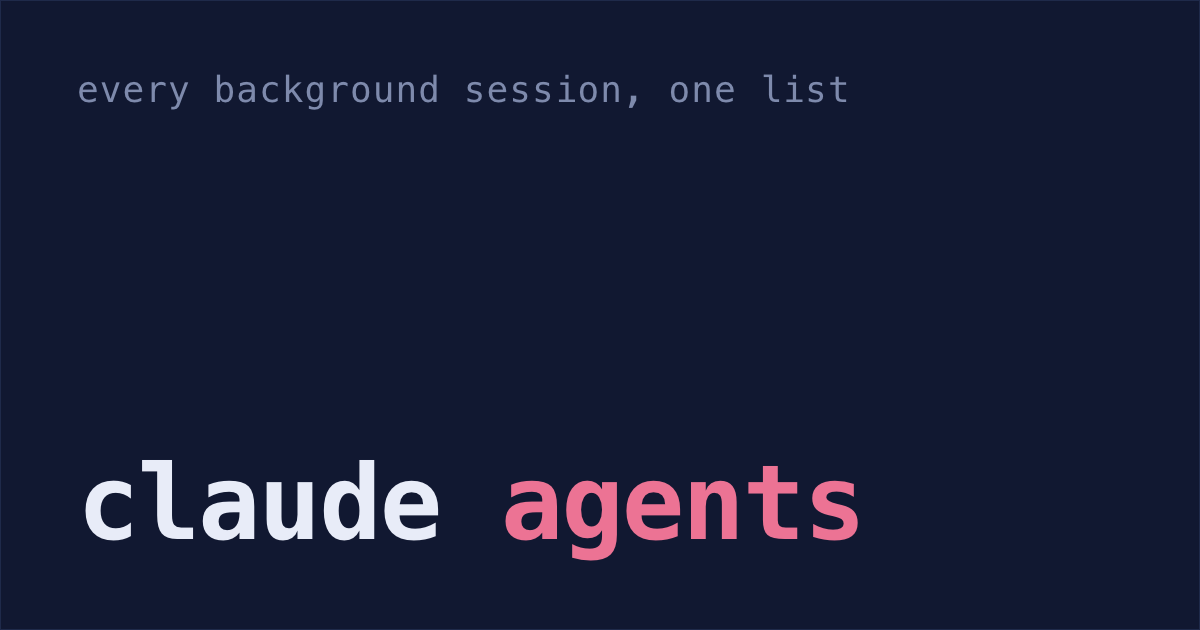
With Claude Code open in several terminal tabs, it's easy to miss the one that's been waiting on your answer while you worked in another. Claude Code has a screen for this. It's called agent view, and it lists your sessions, what each one is doing, and the exact question any of them is waiting on.
But it only shows sessions running in the background. A normal session in another terminal tab isn't on it.
Start sessions from agent view
Open it from your shell:
claude agentsType a task at the bottom and press Enter. That starts a new background session and adds it as a row. Every task you type starts its own session, so you can start five in a row without switching tabs. The docs say you can use claude agents as your main way in, instead of claude.
You can also start one from your shell, or send an open session to the background. From your shell, claude --bg "fix the flaky checkout test" starts a session straight in the background. Inside a session you already have open, press ← on an empty prompt to send it to the background and open the list in one step. Typing /bg also sends it to the background, once the session has at least one message.
Background sessions don't need a terminal. You can close agent view, close the shell, and they keep working. They carry on after your Mac sleeps, too.
Agent view keys
Each row is one line: what the session is doing, the question it's asking, or what it produced. Sessions waiting on you are grouped near the top under Needs input. The keys that matter:
Spaceopens a peek panel. For a waiting session, it shows the question with a reply box under it, so you can answer without opening the conversation. Nice!Enteropens the whole session. Claude starts with a short recap of what happened while you were away. Press←on an empty prompt to go back to the list.Ctrl+Rrenames a session,Ctrl+Tpins it to the top, andCtrl+Sgroups the list by folder instead of by state.
While the list is open, Claude Code also sends a notification when a session needs you, finishes, or fails.
Agent view is still a research preview, so the keys may change. And every background session uses your subscription quota the same as a normal session, so ten at once use it about ten times as fast as one.
Git worktrees: one copy of the repo per session
Two sessions in the same folder edit the same files. One rewrites auth.ts while the other is halfway through changing it.
In a git repo, background sessions avoid this by themselves. Before one edits anything, it moves into a git worktree under .claude/worktrees/: a second folder with its own copy of the files and its own branch, sharing the same git history. For a normal session, you ask for one:
claude --worktree fix-webhooksThat starts in .claude/worktrees/fix-webhooks/ on a branch called worktree-fix-webhooks. A few things are easy to miss:
- A new worktree starts from your remote's default branch, usually
main, not the branch you're on. To start from your current work, set"worktree": { "baseRef": "head" }in.claude/settings.json. - Your
.envisn't there, because a worktree only gets the files git tracks. List the ignored files you need in a.worktreeincludefile at the repo root, and Claude Code copies them into every worktree it creates. node_modulesisn't there either. Ask Claude to install dependencies, or list it underworktree.symlinkDirectoriesin.claude/settings.jsonso every worktree links to the one you have.- Without
.claude/worktrees/in your.gitignore, every worktree shows up as untracked files in your main folder.
The agent view docs say two things to know before you start ten sessions.
When a background session has changed code in its worktree, Claude commits the work without asking. If the repo has a remote, it pushes the branch too. It leaves git to you if your CLAUDE.md says you handle it yourself. Claude Code tells the session never to push to main, force-push or merge.
Deleting a session from the list with Ctrl+X twice deletes its worktree too, uncommitted changes included. Claude Code keeps the worktree in a few cases, such as commits it can't find pushed anywhere. When it does, on v2.1.260 or later, it names the branch and how many commits aren't pushed. Press Ctrl+X twice on that row again and those commits are thrown away.
Unfinished sessions after a shutdown
Sleep doesn't stop background sessions, but shutting down or restarting does. When you come back, they're still in the list:
- A session that was waiting on you is still under Needs input.
- One that was mid-task shows as Failed. On v2.1.248 or later, it shows as Stopped instead if it last did something more than 48 hours ago.
Reply to one and it carries on from where it left off. Open a Failed one with Enter and it resumes too. A Stopped one asks first, so press Enter a second time. So the next morning, claude agents is the list of what's unfinished.
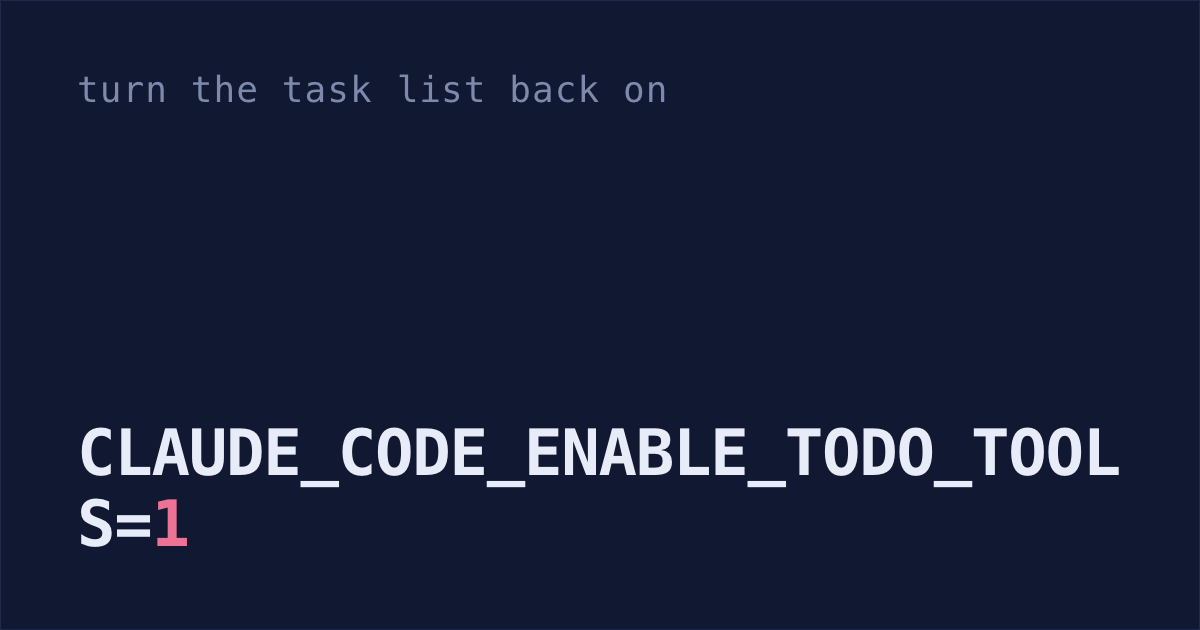
Inside each session, Claude's own checklist is a different list, and on newer models it stays empty: why Claude Code's todo list stopped showing up covers the variable that brings it back, and why a split-pane teammate doesn't inherit it.
Sessions you ran in normal terminal tabs aren't in it. On Claude Code v2.1.212 or later, typing /resume into agent view lists that repo's past sessions, newest first, and brings the one you pick back as a row. For the --resume picker next to it, and the third-party tools, see does Claude Code have a session manager?
Don't leave one for weeks, either. Claude Code deletes transcripts after 30 days by default, and after that there's nothing to resume. cleanupPeriodDays in ~/.claude/settings.json sets a longer limit (how to raise it).
Set up a repo for parallel sessions
Type this instead of
claude, and type each task into it. In a git repo, every session then shows up in one list, each one editing in its own worktree.claude agentsPaste this into Claude Code once in each repo. It sets up the
.gitignore,.worktreeincludeand settings from this post.Set this repo up for parallel background Claude Code sessions. Show me each change before you make it. 1. Add .claude/worktrees/ to .gitignore. 2. Create .worktreeinclude listing the gitignored files this app needs to run, like .env and .env.local. Names only, don't open them. 3. If this repo has node_modules, add "worktree": { "symlinkDirectories": ["node_modules"] } to .claude/settings.json. 4. If "cleanupPeriodDays" in ~/.claude/settings.json is missing or lower than 3650, set it to 3650. Keep everything else in the file as it is.When you come back to your Mac, open agent view again and start with the Needs input rows.
claude agents
What this can't show is a session you started with plain claude in another tab. That gap is why I'm building Shabash, a Mac app that sees sessions in every tab, shows which ones are waiting on you and the last thing Claude said, and flags one you closed mid-task with a Continue button to pick it back up.