Claude Code has kept every prompt I've typed in the terminal since January. But it deletes the conversations themselves after a month.
Two of my prompts that mention "stripe webhook" are from March. Both of their conversations are gone.
Claude Code can search your session titles and your prompts. Searching the words inside a conversation takes one command in your terminal, and keeping conversations past 30 days takes one setting.
claude --resume and the session list
claude --resumeThis opens a list of the sessions in the folder you're in. Each row shows the name you gave the session. Without one, it shows the title Claude Code wrote from your first prompt, a summary, or the prompt itself.
Start typing to filter the list. These keys change what's in it:
Ctrl+Ashows sessions from every project on your Mac. Press it again to go back.Ctrl+Bshows only sessions from the git branch you're on.Ctrl+Wshows sessions from every worktree of this repo, if you have more than one.Spacepreviews a session before you open it.
If you remember a session's exact name or title, claude --resume <name> opens it straight away, as long as it's from the repo you're in. If more than one session has that name, you get the list with the name already typed in.
Picking a session from a different project copies a cd and resume command to your clipboard, because Claude Code works in the folder you start it from. Paste it and you're back in. If that project's folder no longer exists, it opens the session right where you are.
For the session behind a pull request, run claude --from-pr 1234 or paste the pull request's URL into the search. Pasting works with GitHub, GitLab and Bitbucket links.
To find a word from the middle of a conversation, search the files themselves with ripgrep, below.
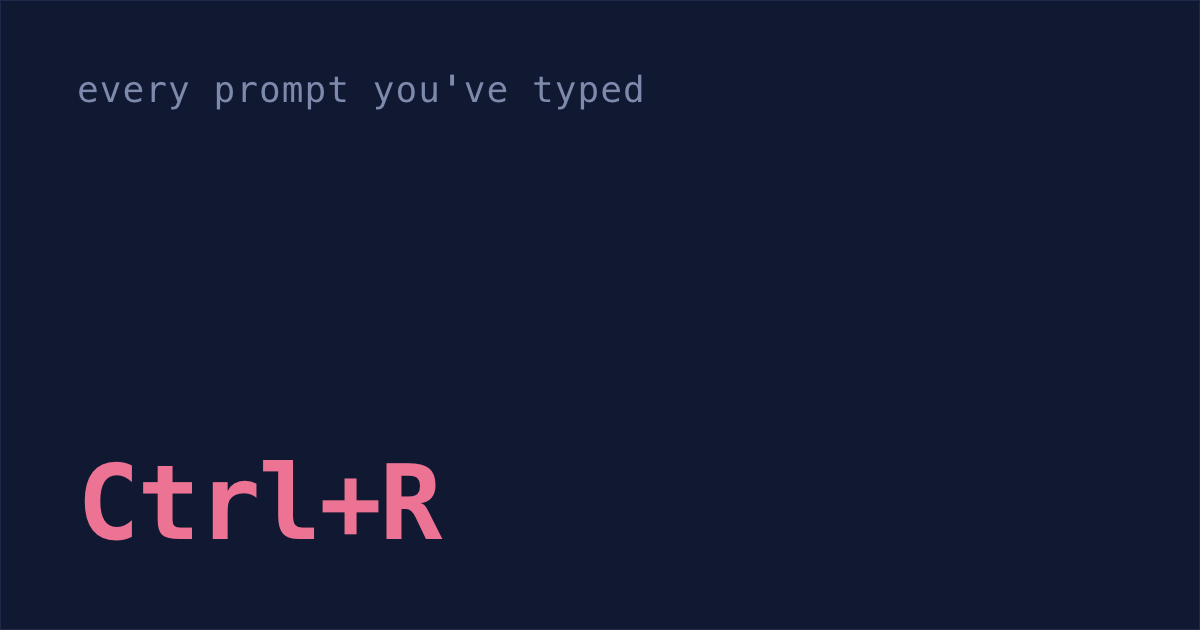
Ctrl+R for every prompt you've typed
Inside a session, press Ctrl+R and type. It searches the prompts you've typed, newest first, like reverse search in your shell. Claude's replies aren't in it.
The keys depend on which screen mode you're in. Run /tui to see which one you have.
- Fullscreen:
UpandDownmove through matches, andCtrl+Sswitches between this session, this project and all projects.EnterorTabputs the match in your prompt without sending it. - Classic: it always searches every project. Press
Ctrl+Ragain for older matches.Tabputs the match in your prompt to edit.Entersends it straight away.
These prompts live in ~/.claude/history.jsonl, and the 30-day cleanup never touches that file. That's why mine go back to January: about 18,500 prompts, plus the commands I typed, like /clear.
Session IDs for old prompts
Ctrl+R hands you back the prompt, not the session it came from. But history.jsonl also saves each prompt's session ID and project folder, so a short function can turn them into the command that reopens the session.
Paste this at the end of
~/.zshrc:ccprompts() { python3 - "$*" <<'EOF' import json, sys, os, datetime term = sys.argv[1].lower() for line in open(os.path.expanduser("~/.claude/history.jsonl")): d = json.loads(line) if term in d.get("display", "").lower() and d.get("sessionId"): day = datetime.datetime.fromtimestamp(d["timestamp"] / 1000).strftime("%Y-%m-%d") print(day, d["display"][:60].replace("\n", " ")) print(f" cd '{d.get('project', '.')}' && claude --resume {d['sessionId']}") EOF }- Open a new terminal window.
Search your prompts:
ccprompts stripe webhookEach matching prompt prints with its date, oldest first, and under it the command that reopens its session.
- Copy that command and run it. It moves into the session's project folder first, so Claude picks up where it was working.
If it says No conversation found with session ID, the conversation is most likely more than 30 days old, and Claude Code has deleted it. That's what happened to my two from March. The prompt is all that's left.
ripgrep over every transcript
Every conversation is a plain text file at ~/.claude/projects/<project>/<session-id>.jsonl. Claude Code has no search for them, but any search tool can read them.
Mine add up to over 7 GB, and ripgrep searches all of them in about five seconds. Plain grep can't even start: there are so many files that grep -il "stripe webhook" ~/.claude/projects//.jsonl fails on my Mac with "argument list too long".
Install ripgrep:
brew install ripgrepPaste this at the end of
~/.zshrc:ccfind() { rg -il --max-depth 2 --sortr modified -g "*.jsonl" -- "$*" ~/.claude/projects | head -20 | while read -r f; do dir=$(rg -m1 -o --no-filename '"cwd":"[^"]*"' "$f" | cut -d'"' -f4) echo "cd '$dir' && claude --resume $(basename "$f" .jsonl)" done }- Open a new terminal window.
Search every transcript:
ccfind stripe webhookIt prints up to 20 sessions that mention "stripe webhook", newest first, each as the command that reopens it.
- Copy a line and run it.
To keep what you found, type /export notes.txt once it's open: more on how to export a Claude Code conversation, including to Markdown.
Sessions that ran in the cloud on claude.ai/code aren't on your Mac, so ccfind can't see those. It will also list sessions where the words only showed up in a file Claude read or in a command's output.
cleanupPeriodDays: keep conversations for a year
Searching only helps if the conversation still exists. So set Claude Code to keep them longer. Add this to ~/.claude/settings.json:
It doesn't bring back anything already deleted, so do it before you need it. More on keeping sessions longer.
The 30-day cleanup is also why Shabash, the Mac app I'm building, keeps its own copy of the sessions you typed in, from the day you install it. Reopening one from Shabash brings it back, as long as its project folder is still there. It can't save sessions the cleanup deleted before then.